Mobile app FAQ
The most common questions before switching from desktop to phone.
Is there a difference in slot RTP between PWA and desktop?
No. The same certified RNG is used on both. The studio's published theoretical RTP applies to either device. Only the visual layout and control placement change.
Can I activate the bonus from mobile?
Yes. The full sign-up, deposit and bonus-activation flow works identically in the PWA. Some players prefer registering on desktop for typing comfort, then playing on mobile.
Does the app consume a lot of mobile data?
Slots use little: roughly 5–15 MB per hour. Live casino is much heavier: 200–400 MB per hour depending on the stream quality. Use Wi-Fi for long live sessions if you're on a capped Canadian plan.
Does it work on older phones?
Yes, provided they support iOS 14 / Android 8 or higher. On devices with less than 2 GB of RAM, heavy slots (Megaways with rich animations) may run slow, but classic slots play smoothly.
Will I get push notifications for promotions?
Yes, if you grant permission when installing the PWA. Notifications cover tournaments, weekly cashback and personalised free spins. You can turn them off at any time in your phone settings.
Can I use the app on multiple phones?
Yes, the same account works on any device. Mind the 2-simultaneous-session cap: starting on a third device closes the oldest session.
Does the app save my balance offline?
No. The balance lives on the casino server, not your device. Without an internet connection you can't play. The PWA only caches the interface so it starts faster when you reconnect.
How do I uninstall the PWA?
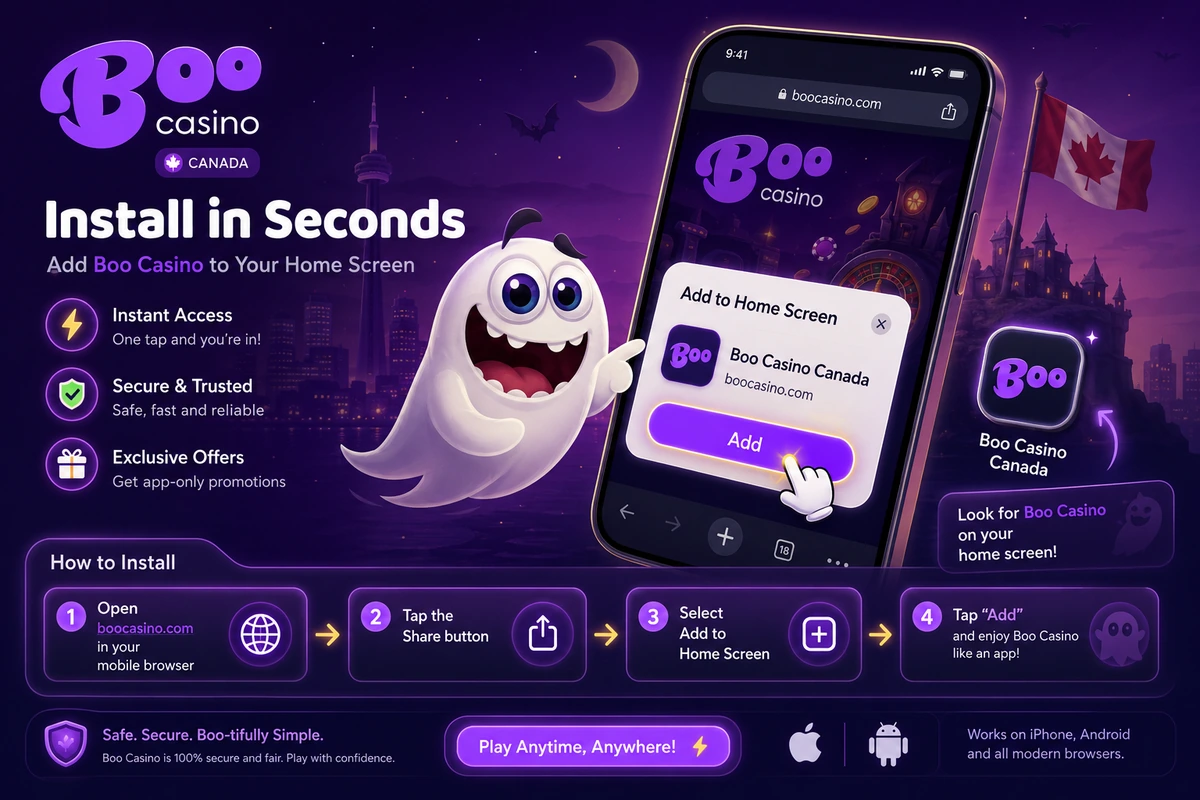
Same as any icon: long-press and pick "Remove" (Android) or "Delete app" (iOS). It leaves no residue on the system and you can reinstall later without losing data — your account lives on the server.