
Authenticator app
Google Authenticator, Authy, Microsoft Authenticator. Generates 6-digit codes every 30 seconds with no mobile signal needed. The strongest option and the one recommended by the casino team.
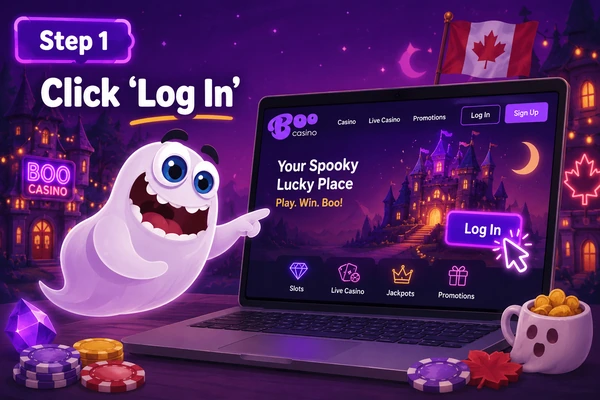
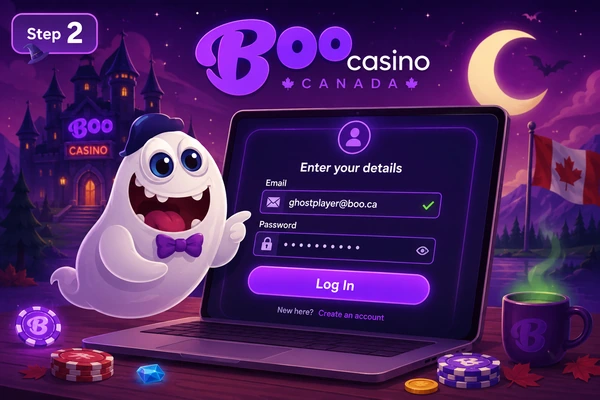
Accessing your account takes under 30 seconds if you have your email and password handy. This guide covers the standard flow, what to do if you've forgotten your password, how to set up two-factor authentication and the errors Canadian players see most often.
Go to the login page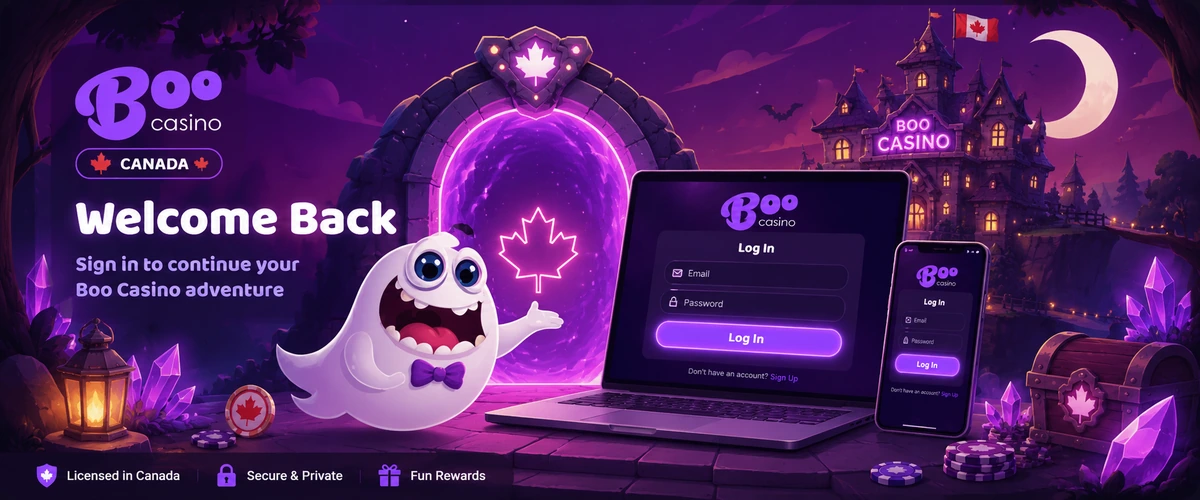
These are the details worth knowing before you click "Log in" for the first time. If your account is new, start with the full registration process; if it's already created, carry on.
| Detail | Standard value at Boo CA |
|---|---|
| Identifier | Registration email (not an alphanumeric username) |
| Password | Minimum 8 characters, one uppercase, one digit |
| Special characters | Optional but recommended (! @ # $) |
| Attempts before temporary lockout | 5 failed attempts = 30-minute lock |
| Password reset | Email link, valid for 60 minutes |
| 2FA available | Google Authenticator, Authy, optional SMS |
| Simultaneous sessions | Up to 2 active devices |
Forgetting the password is the number-one ticket any casino support team gets, and Boo Casino Canada is no exception. The process is simple and self-served: you don't need to write to chat to get it back.
If the recovery email doesn't arrive, check the spam folder (providers like Outlook and Yahoo sometimes filter these messages). If it's still missing after 5 minutes, contact support: they'll need to verify your identity before forcing a manual change.
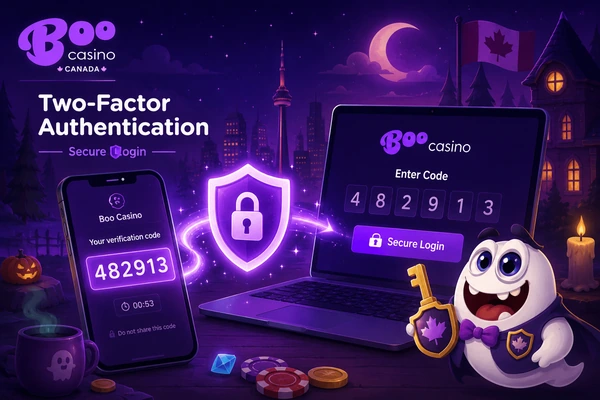
2FA is the difference between an attacker who has your password walking in versus hitting a wall. Boo Casino Canada offers three routes, ranked by strength.
Google Authenticator, Authy, Microsoft Authenticator. Generates 6-digit codes every 30 seconds with no mobile signal needed. The strongest option and the one recommended by the casino team.
Boo Casino Canada sends a code to your registered Canadian number. Works without an app but needs cell signal. Vulnerable to SIM-swap if your carrier doesn't lock down porting.
6-digit code by email. The fallback option, useful if you lose your phone, but also the weakest because it depends on your inbox security.
The most common questions from players who already have an account.
Yes. A single account is valid from any device. Boo Casino Canada allows up to two active sessions at once; the third closes the oldest automatically.
The account is considered inactive after 12 months without activity. After that period a monthly fee may apply on the remaining balance until it's exhausted. It doesn't auto-close, but it's worth logging in at least once a year if you have a balance.
Your account is probably registered under a different address. Search older emails for "Boo Casino"; the welcome message there will show the exact email you signed up with.
Yes, but it requires contacting support and sending a copy of your government ID. It is not a self-service change, to prevent identity takeover. The verification takes up to 24 business hours.
A dedicated password manager (Bitwarden, 1Password, KeePass) is preferable. Saving in the browser is reasonable only if your computer has a strong login password and no one else uses it.
No. Boo Casino Canada doesn't offer social login due to KYC compliance. Login works only with email + password + optional 2FA.
Contact support and flag it as "2FA device lost". They'll ask for identification and a couple of verification questions. The reset takes 24 to 48 business hours.
No. Face ID or fingerprint activate after the first successful email-and-password login. From then on, on the same device, biometrics are enough.
No account yet? Start at the Boo Casino Canada main page and move on to registration next.